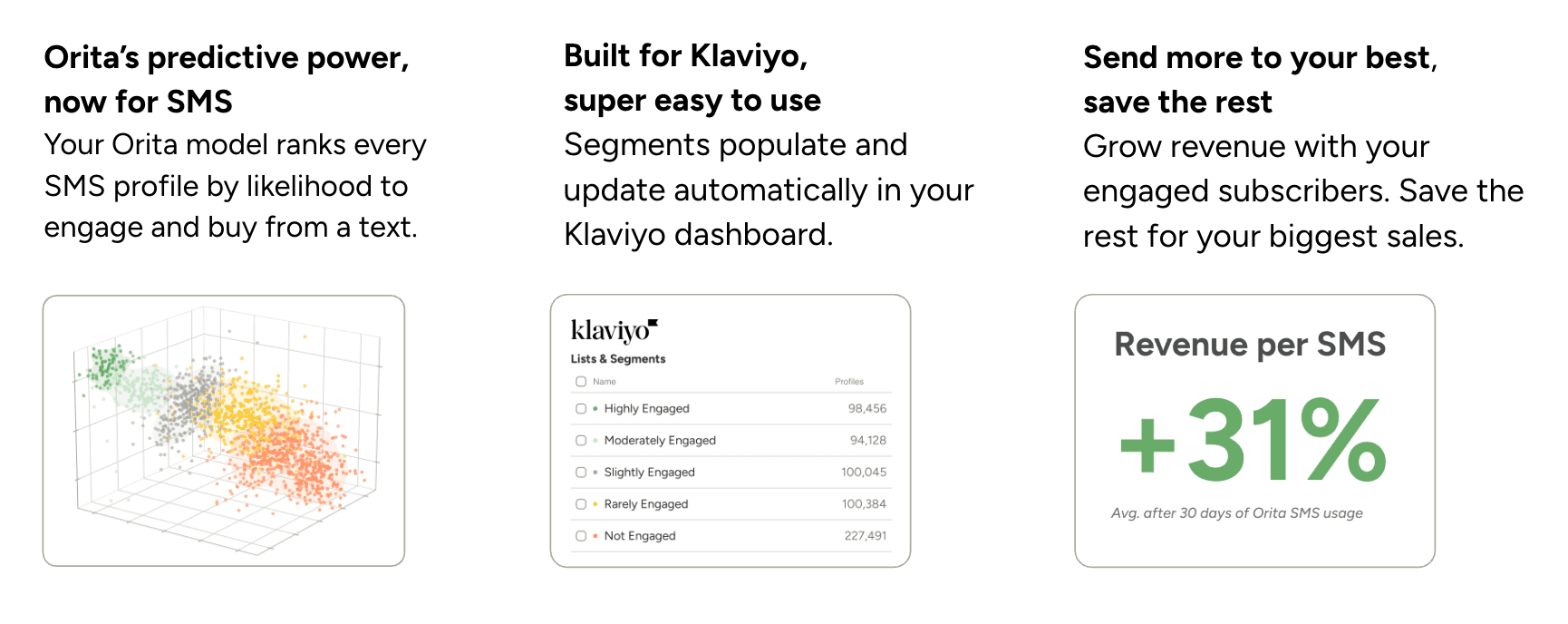
Same predictive logic as email, built for SMS
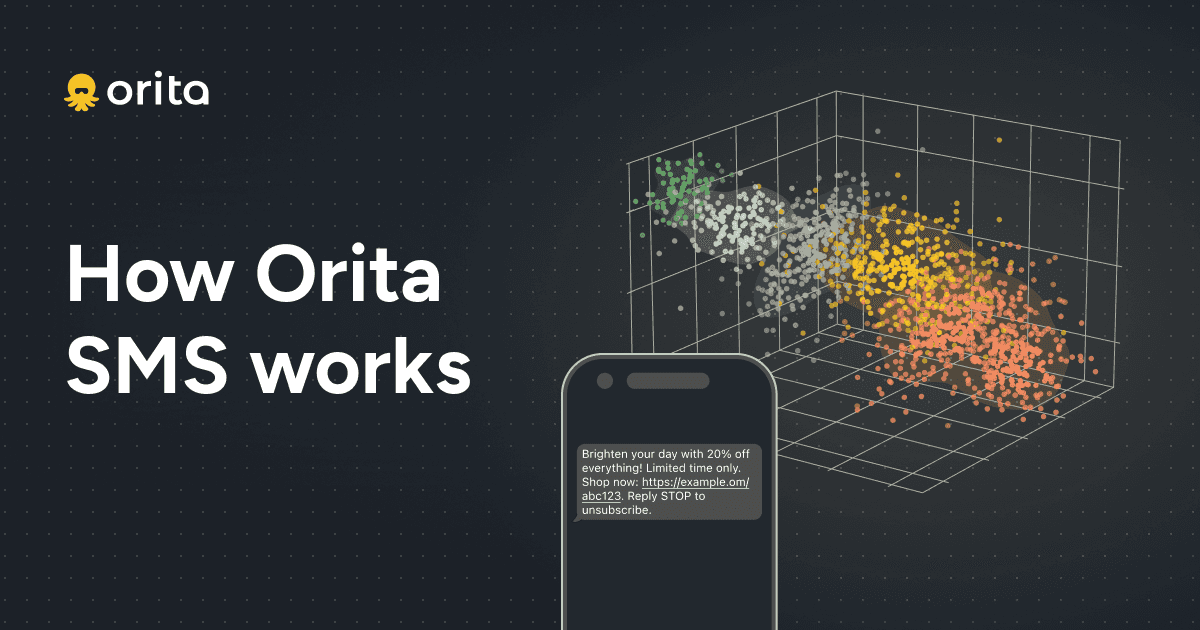
Orita for SMS works on the same core principle as Orita Email. We model which behaviors most predict engagement and conversion within the SMS channel. The difference is that the SMS model is trained on SMS-specific signals.
The result: you’re using a model that understands when a text is actually likely to drive a click or purchase.
Better segmentation, more revenue, better efficiency
SMS is expensive and often under-segmented. Brands either over send, wasting budget and degrading their customer experience, or under send, leaving revenue on the table. Orita helps brands:
Find more subscribers that have a high propensity to engage via SMS, and send to them more often to increase revenue.
Reduce sends and wasted credits to subscribers who, at the time of sending a given campaign, have no predicted SMS engagement. Prevent these profiles from opting out now, and save them for when they’re ready to be reached and you have a better chance at converting them.
Texting people when they want to hear from you results in:
Improved ROI and efficiency
More total revenue driven by SMS campaigns
How to Use Orita SMS
WATCH: How to Use Orita SMS, or just read on if you prefer.
101: Attaching segments to a campaign
When setting up a campaign, most brands start with a traditional engagement-based segment they already have running (like Engaged L90 - SMS). You can layer Orita segments right on top:
Include: Highly Engaged and Moderately Engaged to pick up subscribers your existing segment may be missing, and ensure you’re maximizing the value of your campaign send.
Exclude: Not Engaged to remove anyone from the send who has no predicted SMS engagement. This alone cuts wasted credits without touching revenue.
For a standard evergreen send, Highly Engaged is your baseline. For a sale launch where you want broader reach, add Moderately Engaged, or even Slightly Engaged. Every tier you add will lower your average click rate. The question is whether the additional revenue justifies the credit spend.
201: Building segments
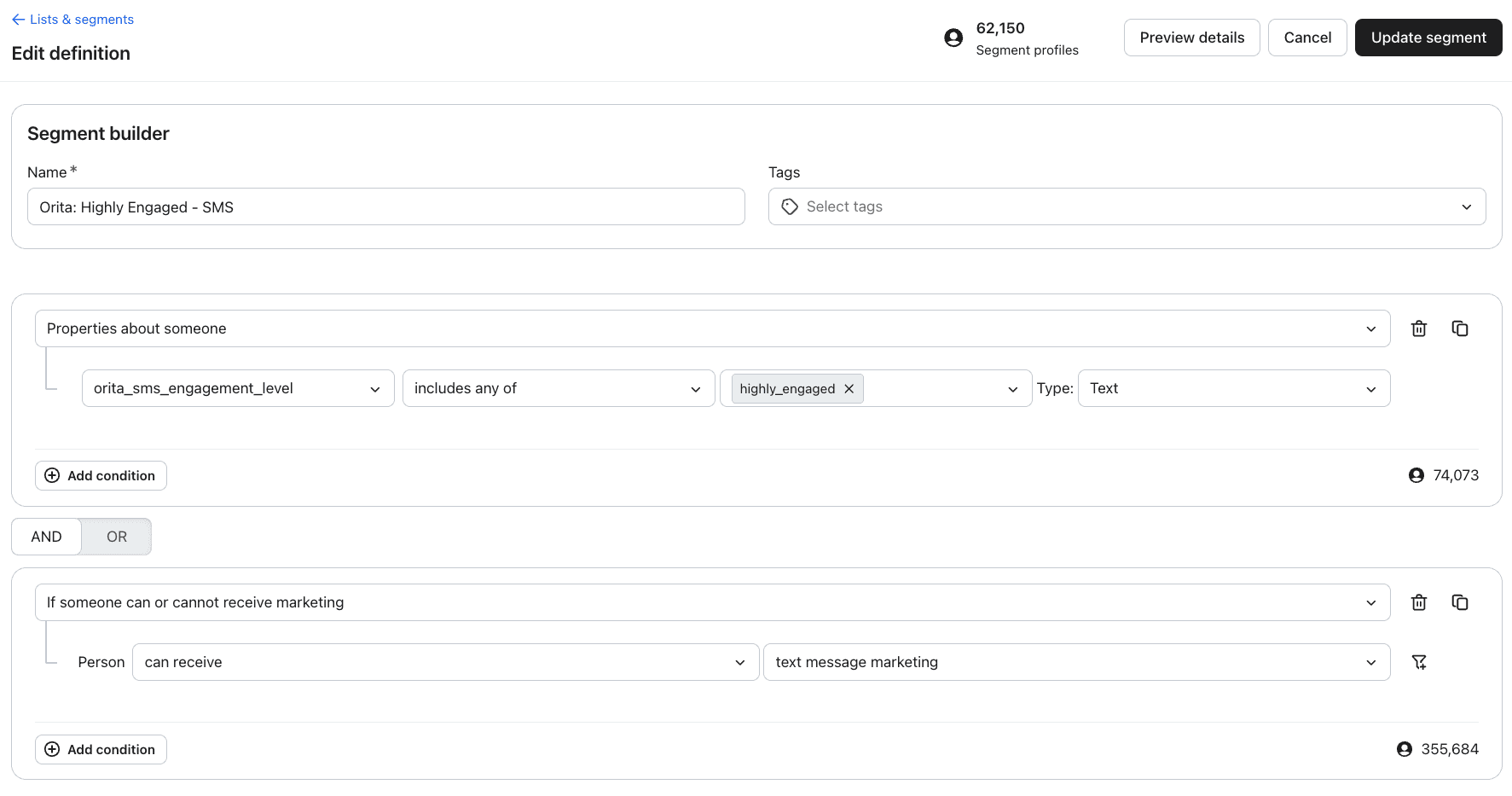
In Klaviyo’s segment builder, go select properties about someone and select Orita SMS Engagement Level. Choose your desired engagement level; Highly Engaged is comprised of your most engaged SMS subscribers on any given day, those most likely to click and convert on your next send.
You can layer on other conditions the same way you would any other Klaviyo segment. Or use the Orita Engagement Level as is.
301: Planning your send calendar with the Audience Scenario Planner
The Audience Scenario Planner (available to all Orita SMS customers in the dashboard) is built specifically with your brand’s historical engagement data. It shows your SMS list broken down by engagement level, and projects the click rate, order rate, and revenue you’d expect from sending to each tier.
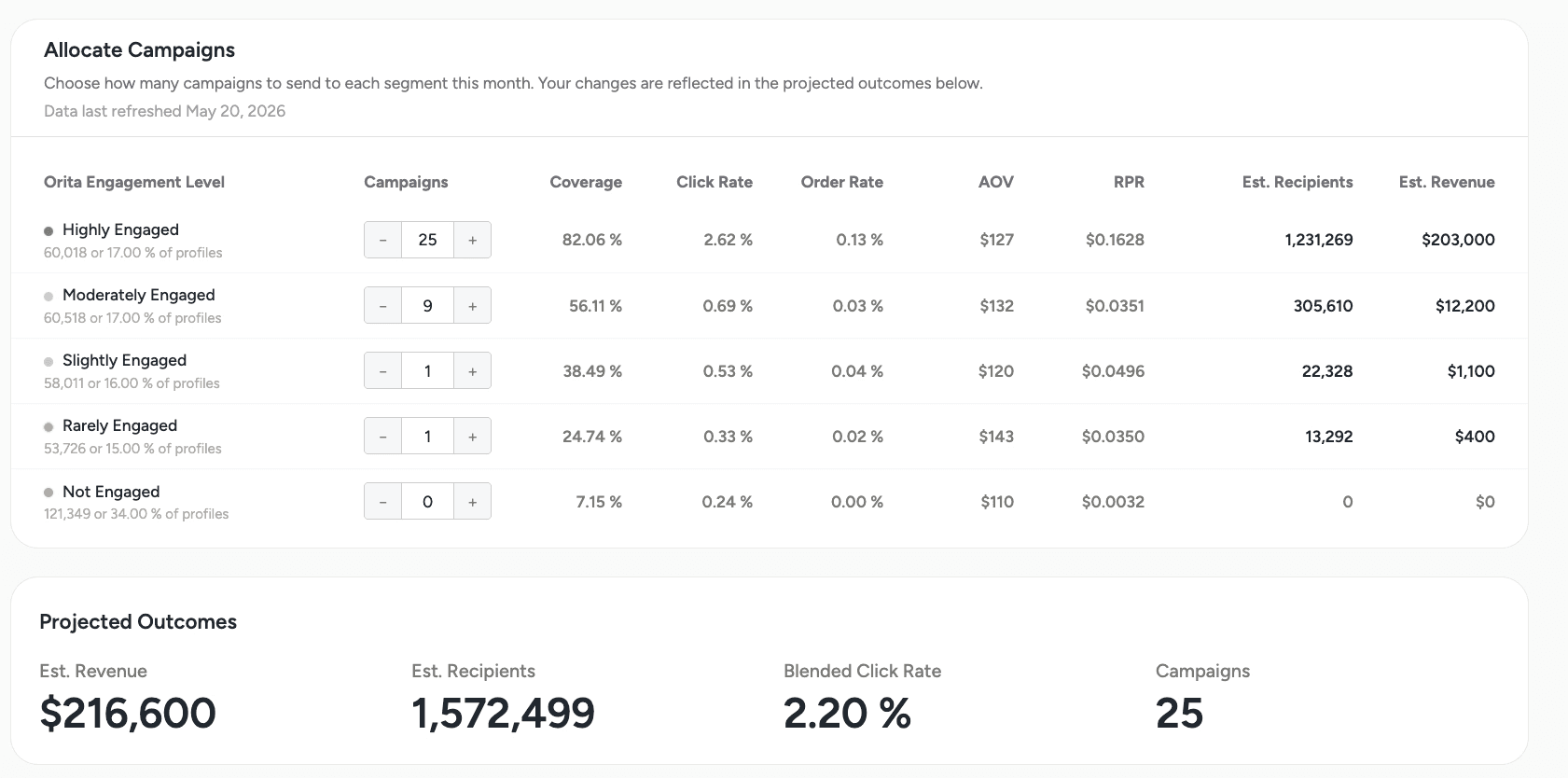
You can use it to map out a full month of sends: how many campaigns go to Highly Engaged, how many extend into Moderately Engaged, and at which point in your lower tier audiences is order rate so low that it’s more preferable to exclude those profiles and send additional campaigns to the top of your list. When sending one more campaign to your top tier outperforms sending to a lower tier at all, the planner makes that visible.
If you have a monthly revenue target, the planner also shows you the fastest path to hitting it — and whether you’re better off sending more frequently to your engaged subscribers or pushing deeper into the list.